
Beginner
In 2022, over $3.8 billion was stolen from cryptocurrency users and platforms — and that number only accounts for the hacks we know about. I’ve been in crypto since 2019, and in that time, I’ve seen friends lose funds to phishing emails, watched exchanges collapse overnight, and nearly fell for a fake wallet app myself. The difference between keeping your crypto safe and losing everything often comes down to a few basic habits.
This guide covers the security threats every crypto user faces, practical steps to protect yourself, and the mistakes I’ve learned to avoid through personal experience. Whether you hold $100 or $100,000 in crypto, these principles apply equally.
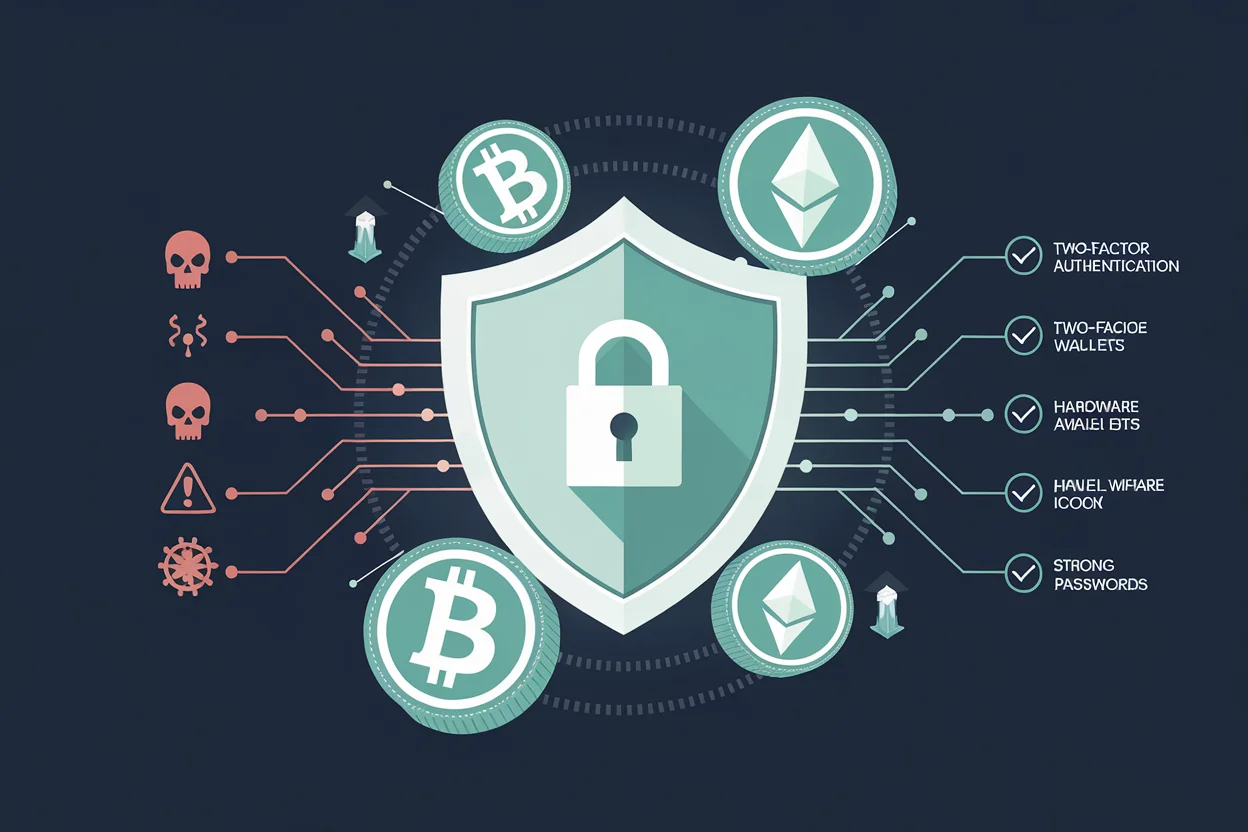
Why Cryptocurrency Security Is Different
Traditional banking has a safety net. If someone steals your credit card number, you call the bank, they reverse the charges, and you get a new card. Cryptocurrency doesn’t work that way.
With crypto, you are your own bank. There is no fraud department to call, no transaction reversal button, and no insurance on most platforms. Once a transaction is confirmed on the blockchain, it’s permanent. This is both the power and the risk of decentralized finance.
Three characteristics make crypto security uniquely challenging:
- Irreversibility: Blockchain transactions cannot be undone. Send crypto to the wrong address or a scammer, and it’s gone forever.
- Pseudonymity: Thieves can operate behind anonymous wallets, making recovery nearly impossible.
- Self-custody responsibility: If you control your own keys (which you should), you’re responsible for keeping them safe — no one else can recover them for you.
In my experience, most crypto losses don’t come from sophisticated hacking. They come from simple mistakes: reusing passwords, clicking phishing links, or storing seed phrases on a phone. The good news is that basic security hygiene prevents the vast majority of threats.

The Most Common Crypto Security Threats
Phishing Attacks
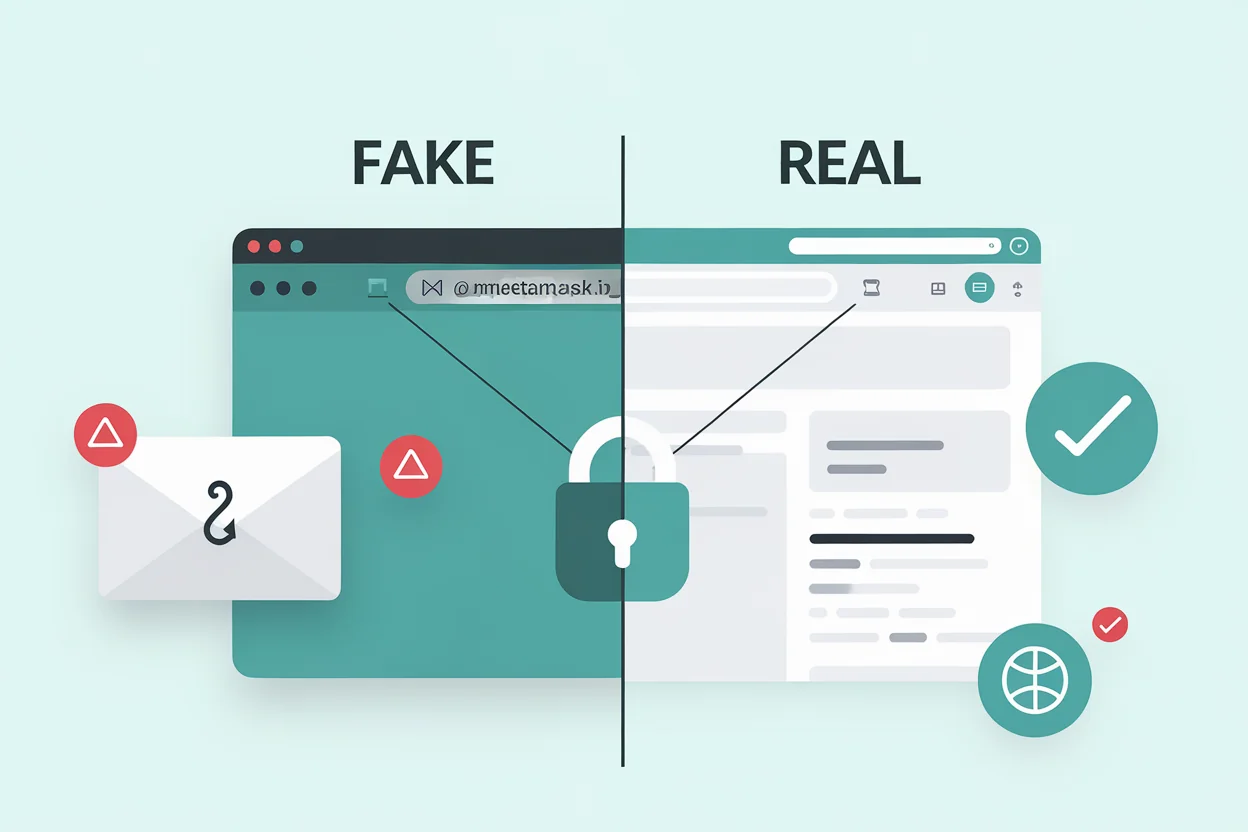
Phishing is the number one way people lose crypto. Attackers create fake websites, emails, or social media messages that look identical to legitimate services. They might impersonate your exchange, your wallet provider, or even a friend.
I’ve personally received dozens of phishing emails that looked exactly like Binance or MetaMask notifications. The URLs are often off by one character — metamask.io vs metamaask.io. If you’re in a hurry, it’s easy to miss.
How to protect yourself:
- Bookmark the official URLs of every exchange and wallet you use — never click links from emails or messages
- Enable anti-phishing codes on exchanges that support them (most major exchanges offer this feature)
- Verify the URL in your browser’s address bar before entering any credentials
- Never share your seed phrase or private keys with anyone claiming to be “support”
SIM Swap Attacks
In a SIM swap attack, a criminal convinces your phone carrier to transfer your phone number to a SIM card they control. Once they have your number, they can intercept SMS-based two-factor authentication codes and access your exchange accounts.
How to protect yourself:
- Never use SMS-based 2FA for crypto accounts — use an authenticator app (Google Authenticator, Authy) or a hardware security key instead
- Set a PIN or passphrase with your mobile carrier to prevent unauthorized changes
- Use a separate email address for crypto accounts that isn’t linked to your phone number
Malware and Clipboard Hijacking
Clipboard hijacking malware silently monitors your computer’s clipboard. When you copy a crypto address to send funds, the malware replaces it with the attacker’s address. You paste what you think is the correct address, confirm the transaction, and your crypto goes to the thief.
How to protect yourself:
- Always double-check the first and last 4-6 characters of any address you paste
- Use address whitelisting features on exchanges where available
- Keep your operating system and antivirus software up to date
- Don’t download software from unofficial sources
Fake Apps and Websites
Fake wallet apps regularly appear on app stores. Some even accumulate thousands of reviews before being removed. These apps look and function like real wallets, but they send your seed phrase directly to the attacker when you create a “new wallet.”
How to protect yourself:
- Only download wallet apps from official links on the project’s website
- Check the developer name and publication date carefully
- Read recent reviews — look for reports of suspicious behavior
- Be suspicious of apps with very few downloads claiming to be popular wallets
Social Engineering and Impersonation
Scammers impersonate customer support agents, influencers, and even friends in direct messages. They offer to “help” with a problem or present a “limited-time opportunity” that requires you to send crypto or share your keys.
A common pattern: someone messages you on Telegram or Discord saying “I’m from [exchange] support, we detected unusual activity on your account. Please verify your identity by connecting your wallet at [malicious URL].”
The golden rule: Legitimate support teams will never ask for your seed phrase, private keys, or ask you to send crypto to verify your account.

Essential Security Practices
Use Strong, Unique Passwords
Every crypto account should have a unique password that you don’t use anywhere else. If one service gets breached and you reuse passwords, attackers will try those credentials on every exchange and wallet service they can find. This is called credential stuffing.
Use a password manager like Bitwarden, 1Password, or KeePass. Generate random passwords of at least 16 characters. The password manager remembers them — you only need to remember one master password.
Enable Two-Factor Authentication (2FA)
Two-factor authentication adds a second layer of security beyond your password. Even if someone steals your password, they can’t access your account without the second factor.
2FA methods, ranked from most to least secure:
- Hardware security key (YubiKey, Trezor) — physically impossible to phish
- Authenticator app (Google Authenticator, Authy) — generates time-based codes on your device
- SMS codes — better than nothing, but vulnerable to SIM swap attacks
I use a hardware key for my primary exchange accounts and an authenticator app for everything else. In my experience, the 30 seconds it takes to authenticate is well worth the protection.
Secure Your Seed Phrase
Your seed phrase (the 12 or 24 words generated when you create a wallet) is the master key to all your funds. If someone gets your seed phrase, they own your crypto. If you lose your seed phrase, you lose access to your crypto permanently.
Seed phrase rules:
- Never store digitally: Don’t take a photo, don’t save it in a note app, don’t email it to yourself, don’t store it in cloud storage
- Write it down on paper: Use the card that came with your wallet, or a dedicated metal backup (fireproof and waterproof)
- Store in a physically secure location: A home safe, a bank safety deposit box, or split across multiple secure locations
- Never enter on a website: No legitimate service will ever ask you to type your full seed phrase into a website
Use a Hardware Wallet for Significant Holdings
If you hold more than you’d be comfortable losing, move your crypto to a hardware wallet. Hardware wallets like Ledger or Trezor keep your private keys offline, completely isolated from internet-connected devices. Even if your computer is compromised, your crypto remains safe because the keys never leave the hardware device.
I personally keep any holdings I don’t need for active trading on a hardware wallet. The small inconvenience of plugging in a device to make a transaction is negligible compared to the security it provides.
Keep Software Updated
Outdated software is one of the easiest attack vectors. This applies to:
- Your operating system (Windows, macOS, Linux)
- Your browser (Chrome, Firefox, Brave)
- Your wallet software and apps
- Your hardware wallet firmware
Updates frequently patch security vulnerabilities. Delaying updates leaves you exposed to known exploits.
Exchange Security: What to Look For
Not all exchanges are equally secure. Before depositing funds on any platform, check for these security features:
| Security Feature | Why It Matters | What to Look For |
|---|---|---|
| Proof of Reserves | Verifies the exchange actually holds the assets it claims | Regular third-party audits, on-chain proof |
| Cold storage | Most user funds stored offline, away from hackers | 90%+ of assets in cold storage |
| Insurance fund | Covers losses in case of a security breach | Published fund size and coverage terms |
| Withdrawal whitelist | Only allows withdrawals to pre-approved addresses | 24-hour delay when adding new addresses |
| Anti-phishing code | Verifies emails are genuinely from the exchange | Custom code displayed in all official emails |
| Bug bounty program | Incentivizes security researchers to find and report vulnerabilities | Public program with meaningful rewards |
The collapse of FTX in 2022 proved that even large, well-known exchanges can fail. The lesson: never keep more on an exchange than you need for active trading. Move the rest to a wallet you control.
Advanced Security Measures
Multi-Signature Wallets
A multi-signature (multisig) wallet requires multiple private keys to authorize a transaction — for example, 2-of-3 keys must sign. This means even if one key is compromised, your funds remain safe. Multisig is particularly useful for:
- Shared funds between business partners
- Personal security — store keys in different physical locations
- Inheritance planning — family members can access funds if needed
Transaction Simulation
Before confirming a transaction in DeFi, use tools that simulate the transaction outcome. Services like Tenderly or built-in wallet simulators show you exactly what will happen — which tokens will move, where they’ll go, and what permissions you’re granting. This catches malicious smart contract approvals before you sign them.
Revoking Token Approvals
When you interact with DeFi protocols, you often grant token approvals that give a smart contract permission to spend your tokens. If that contract is compromised later, the attacker can drain your approved tokens. Regularly review and revoke unused approvals using tools like Revoke.cash.
What to Do If You’ve Been Compromised
If you suspect your account or wallet has been compromised, act fast:
- Move remaining funds immediately — transfer to a secure wallet that hasn’t been exposed
- Change passwords on all crypto-related accounts
- Revoke all token approvals on compromised wallets
- Contact the exchange — they may be able to freeze withdrawals if funds are still on the platform
- Document everything — transaction hashes, timestamps, wallet addresses involved
- Report to authorities — file a report with your local cybercrime unit and relevant agencies (FBI IC3 in the US, Action Fraud in the UK)
Recovery is difficult but not always impossible. Some blockchain analytics firms have helped recover stolen funds by tracing transactions to centralized exchanges where the thief’s identity can be linked.
Security Checklist
Use this checklist to audit your own crypto security:
| Category | Action | Priority |
|---|---|---|
| Passwords | Unique password for every crypto account | Critical |
| Passwords | Using a password manager | Critical |
| 2FA | Authenticator app or hardware key on all accounts | Critical |
| 2FA | SMS 2FA disabled or replaced | High |
| Seed phrase | Written on paper/metal, stored securely offline | Critical |
| Seed phrase | No digital copies exist (photos, notes, cloud) | Critical |
| Wallet | Hardware wallet for holdings >$500 | High |
| Exchange | Withdrawal whitelist enabled | High |
| Exchange | Anti-phishing code set | Medium |
| Software | OS, browser, and wallet apps up to date | High |
| DeFi | Unused token approvals revoked | Medium |
| Separate email for crypto accounts | Medium |
Continue Learning
Frequently Asked Questions
Can stolen cryptocurrency be recovered?
In some cases, yes — but it’s difficult. If stolen funds are sent to a centralized exchange, law enforcement can sometimes freeze the account and recover assets. Blockchain analytics firms like Chainalysis specialize in tracing stolen crypto. However, if funds are moved through mixers or decentralized protocols, recovery becomes extremely unlikely. Prevention is always more effective than recovery.
Is it safe to keep crypto on an exchange?
Exchanges are convenient for active trading, but they are not the safest place for long-term storage. Exchanges can be hacked, go bankrupt (as FTX demonstrated), or freeze withdrawals during market stress. For any amount you’re not actively trading, a hardware wallet or self-custody solution offers significantly better security.
What happens if I lose my hardware wallet?
If you lose your hardware wallet device, your crypto is not lost — as long as you have your seed phrase. You can purchase a new hardware wallet (same brand or different) and restore your wallets using the seed phrase. The device itself doesn’t store your crypto; it stores the keys that access your crypto on the blockchain. This is why protecting your seed phrase is even more important than protecting the device.
Do I need a VPN to use cryptocurrency?
A VPN is not strictly necessary for basic crypto usage, but it adds a layer of privacy — especially on public Wi-Fi networks. A VPN encrypts your internet traffic, preventing network-level eavesdropping. However, a VPN alone doesn’t make you anonymous; exchanges still require identity verification (KYC) in most cases. Use a VPN as one layer in your overall security strategy, not as a standalone solution.
Final Thoughts
Cryptocurrency security isn’t about being paranoid — it’s about being prepared. The vast majority of crypto theft targets people who skip basic precautions: weak passwords, SMS-based 2FA, seed phrases stored on phones, and funds left on exchanges indefinitely.
The steps outlined in this guide take less than an hour to implement, but they protect you against the threats that account for over 90% of crypto losses. Start with the critical items in the security checklist above, then work your way through the rest at your own pace.
Your crypto is only as secure as the weakest link in your security setup. Make that link as strong as possible.
Disclaimer: This article is for educational purposes only and does not constitute financial or security advice. Cryptocurrency involves significant risk. Always do your own research and consult with qualified professionals where appropriate. For our full disclaimer, see our Responsible Trading Disclaimer.